V1.2.0 - UECopilot Changelog
V1.2.0
Release Date: 2026-06-20
V1.2.0 official version has been released!
Systematic improvements to UECopilot's MCP tool invocation architecture. Core objective: Resolve conversation interruption issues in multi-step tool chain scenarios for UECopilot (UE5 Blueprint editing MCP tool).
Agent Architecture Optimization
AgentRuntime refactoring, resolving conversation interruption issues and improving conversation continuity and stability.
-
- AI can now use multiple tools continuously to complete tasks — Previously limited to one tool call at a time, now AI can repeatedly think → call → think again, automatically completing multi-step complex operations (e.g., search → read → modify), all from a single user instruction.
-
- Page refresh preserves progress — If the page is refreshed mid-execution, the process automatically resumes without starting over.
-
- AI no longer repeats the same mistakes — If a tool fails with identical parameters beyond a threshold, it's automatically skipped to prevent infinite loops; duplicate tool calls are also deduplicated.
-
- Cleaner and faster output — From the second round onward, tool descriptions are automatically streamlined to save tokens, improving response speed; intermediate details of tool calls are hidden, showing users only the final results.
-
- Support for custom tools (no MCP Server required) — Lightweight built-in tools can run directly in the browser without additional server setup.
ue5-blueprint-workflow.md Skill Enhancement
- Added 4 mandatory enforcement rules (Tool Call First / NEVER Ask for Confirmation / Keep Analysis at Minimum / Continue Until Complete)
- Replaced with four-step workflow structure (Preview → Snapshot → Execute → Verify)
Quick Prompt Enhancement
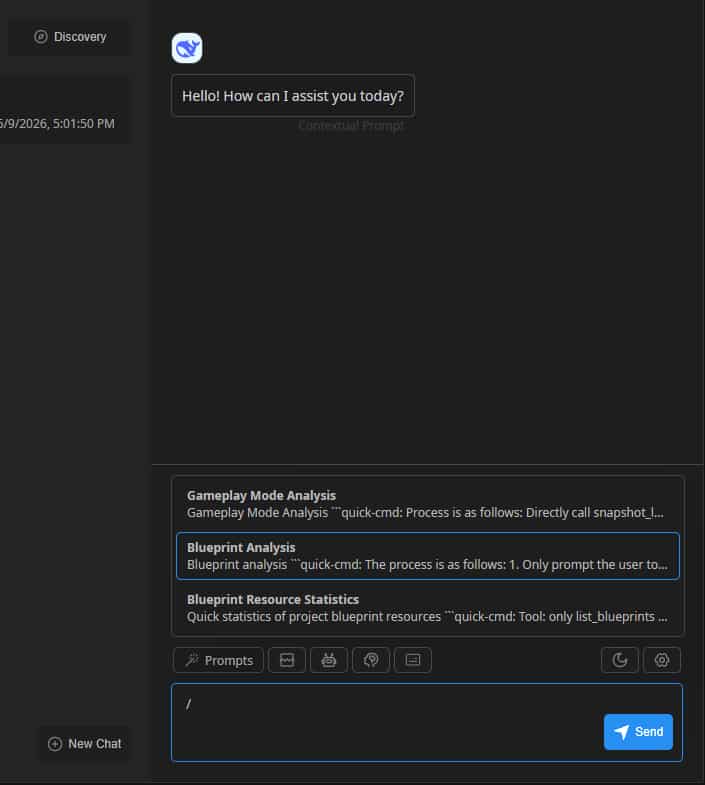
Planning to gradually integrate commonly used MCP tools into quick command calls to improve tool invocation efficiency.
More MCP Tool Enhancements
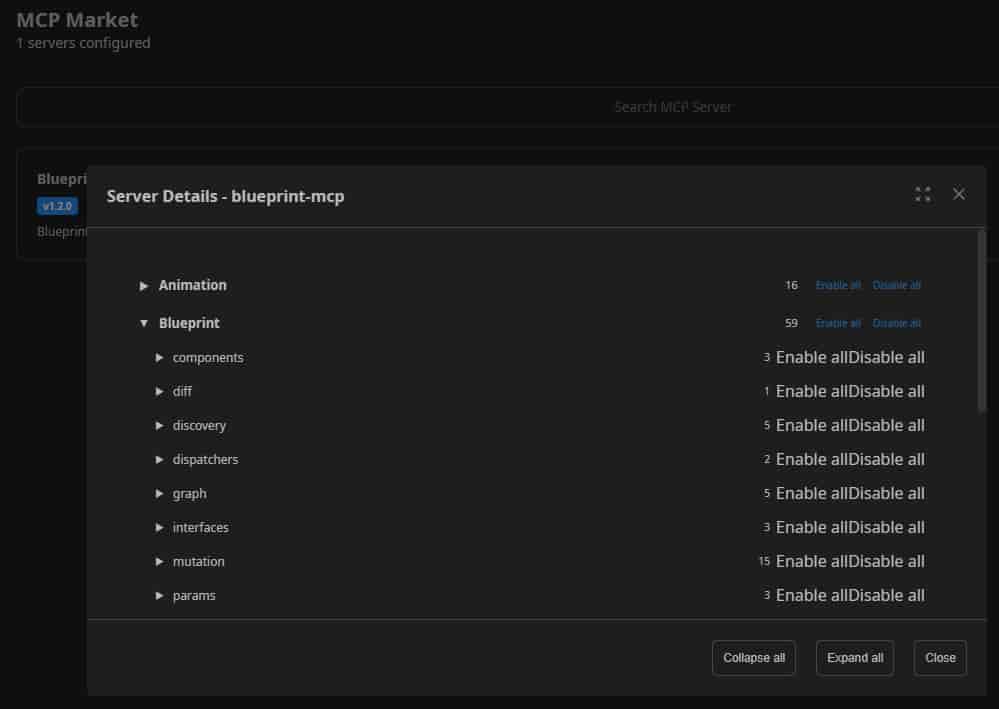
This update expands UECopilot's AI control scope from blueprint graphs to the entire editor state.
It covers 19 domains including level construction, PIE runtime testing, viewport camera and rendering control, UMG interface editing, CVar debugging, log capture, and more.
AI can autonomously complete the full loop from scene setup to runtime debugging, with all editing operations supporting atomic undo transactions, achieving a leap in capability to "operate the UE5 editor like a human developer"
User Interaction Enhancements
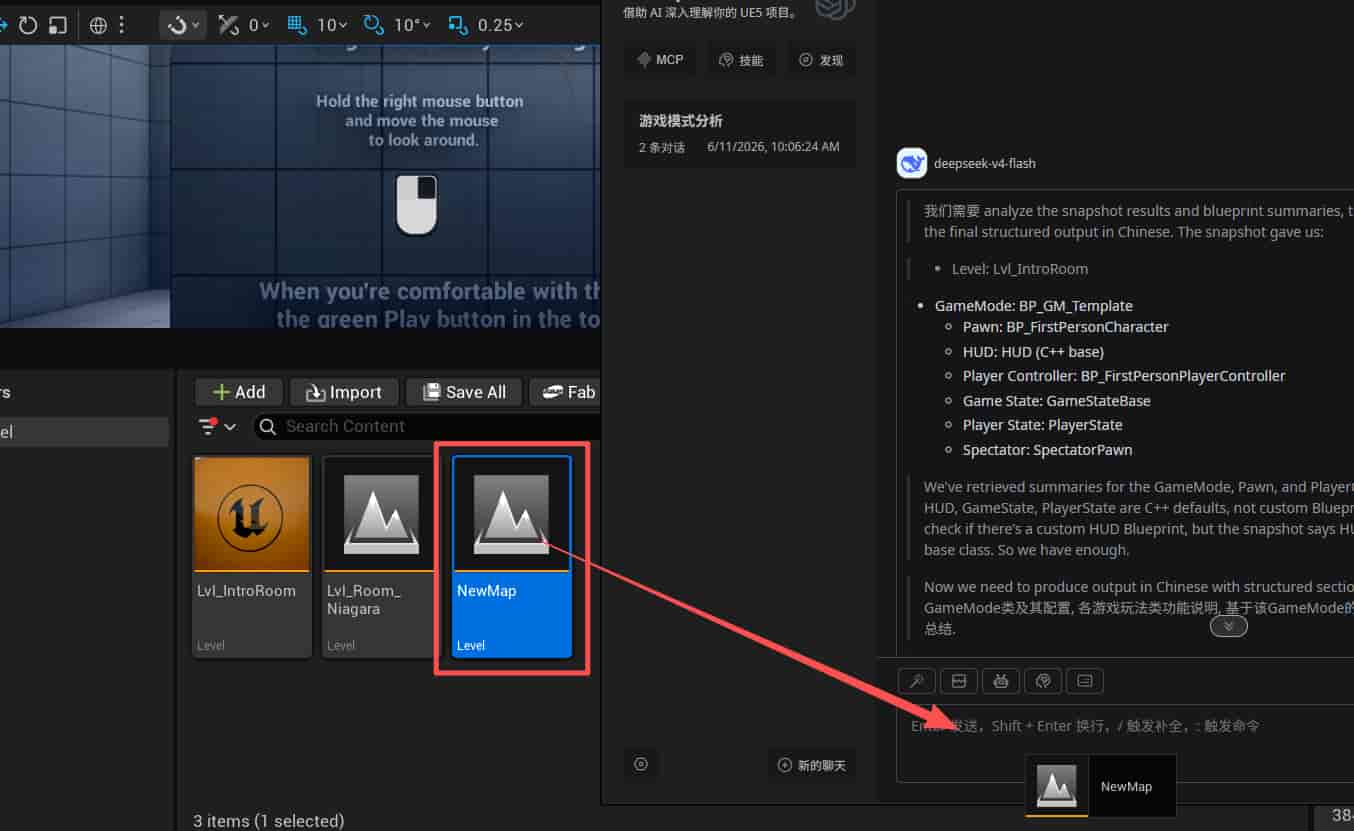
Support for users to directly drag and drop assets into the chat conversation for quick asset analysis.
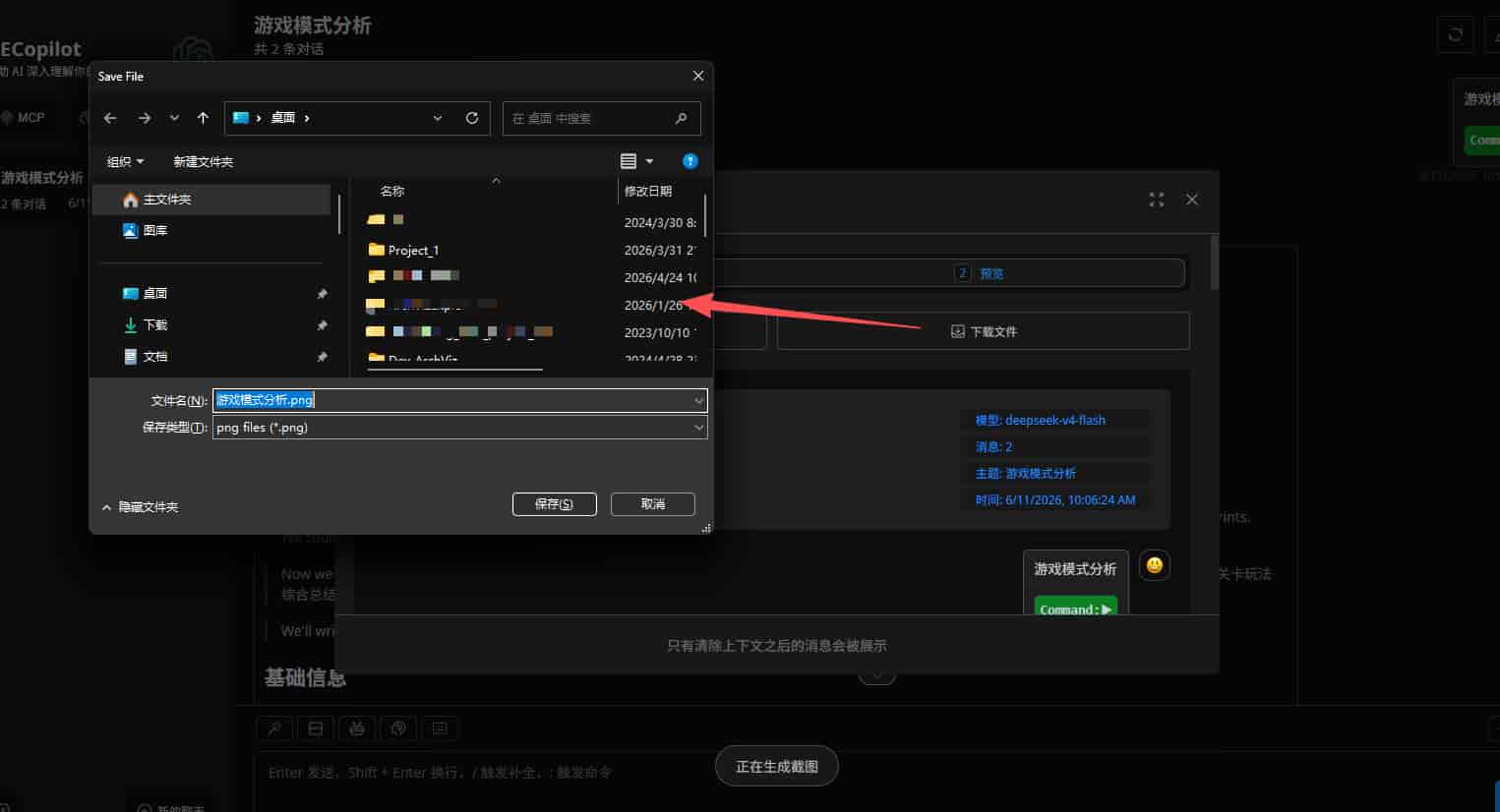
Support for exporting chat messages in Markdown format / image format for easy subsequent analysis and sharing.